
Click on the form number, form name, or black triangle to access the desired form.
Upon viewing the form, click the Tab key to navigate between fields on a form.
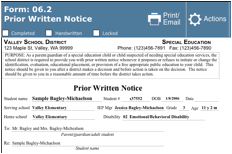
Notice how the majority of the fields at the top of each form are already completed. Data available from the Student Entry Screen will be populated directly to the form when the form is added.