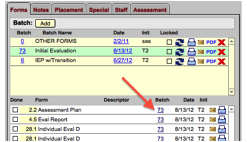
Click on the batch number in the Forms listing to move a form from one batch to another.
After clicking the number, users will see the series of dialogs shown below.
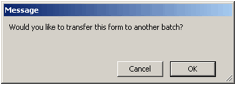
First you will need to confirm that you intend to move a form.
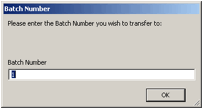
Then you will be asked for the batch number you wish to transfer to. This batch number can be found in the first column of the batch view.
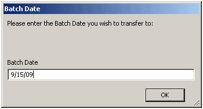
Finally, users need to provide the batch date. There are times when students may have more than one copy of the same batch type (IEP, Eval, etc.). The date is needed to ensure that the form ends up in the intended batch.
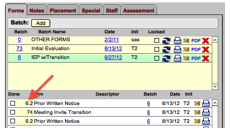
The form will then be shown at the top of the forms listing for the destination batch.
*Note - You can only move one form at a time.