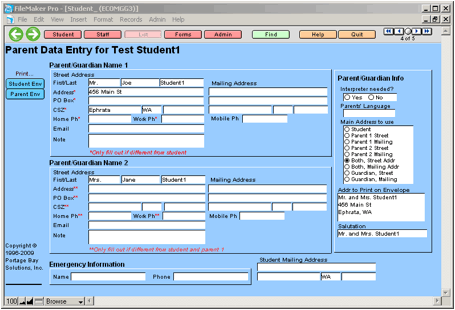
The Parent Data Entry screen is relatively straightforward. There are fields available for one pair of parent/guardians and one emergency contact entry. Additionally, there are shortcuts for printing either student or parent envelopes.
Fields available here and on the Parent Information section on the Forms tab (of the Student Screen) access the same portion of the database. Any changes to the fields on one of the screens will automatically modify the fields on the other screen.
Note: If your district uses the student import, addresses and the primary guardian phone numbers entered in E-Com may be overwritten each day with data from Skyward.
Related Topics
Chapter 5: Parent Data Entry Screen