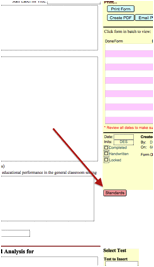
To insert Common Core standards, EALRs (Essential Academic Learning Requirements) or GLEs (Grade Level Expectations) into your form, click the Standards button.
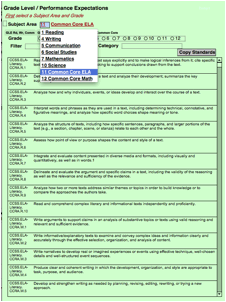
The screen shown will be displayed.
1) Select Subject Area from the drop down list.
2) Select Grade.
The standards will appear, depending on the two criteria selected.
Click on the text you wish to insert in any of the three areas, then select the “Copy Standards” button.
Once you have selected text and hit the Copy button, you will go back to the originating form, where you can paste the selected text where appropriate.